


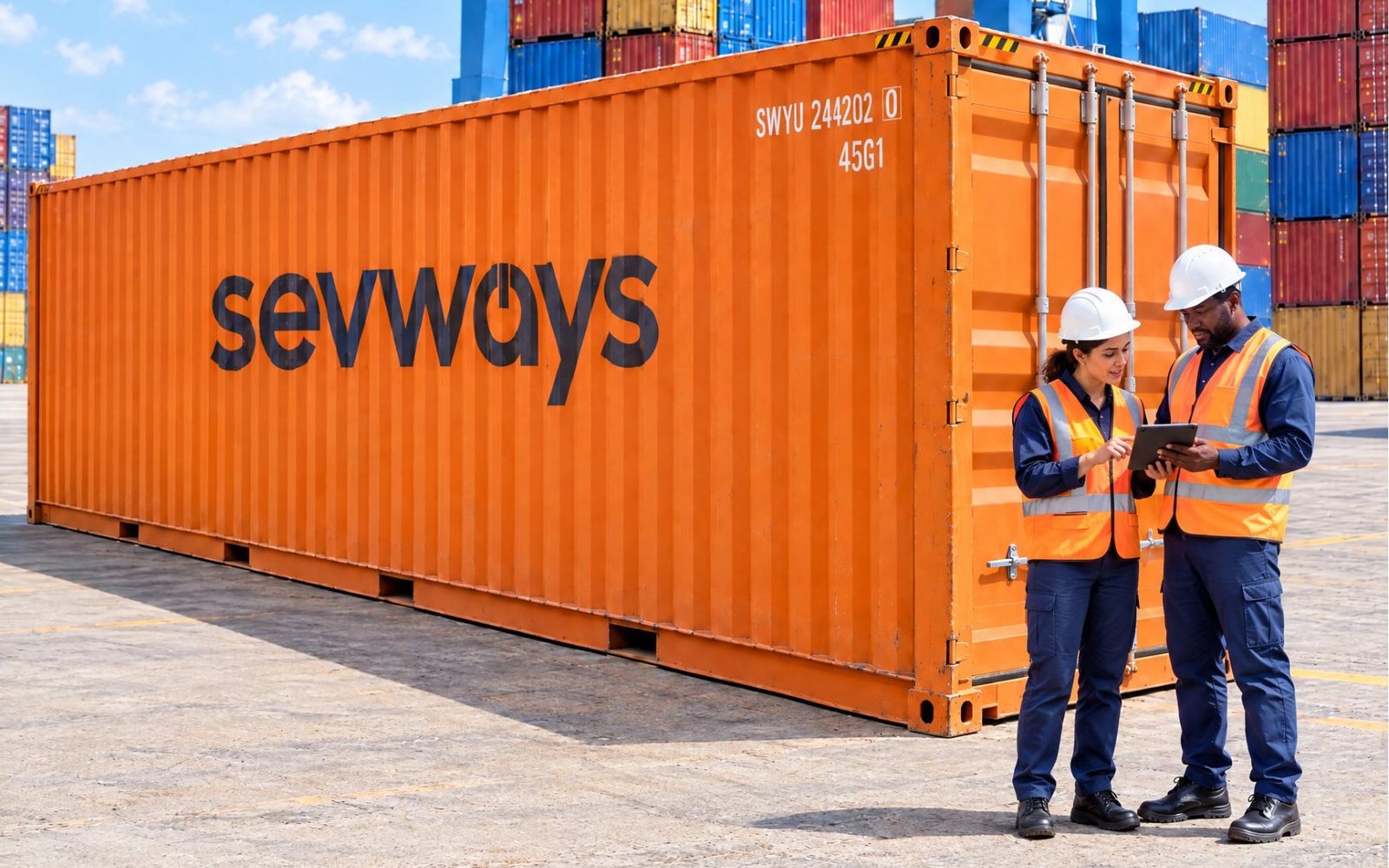
From the vessel to the end customer, in a single system
For shipping agents, terminals and freight forwarders operating in Angola, where Ports & Shipping is also known as maritime traffic management. It handles port calls, cargo, documentation and invoicing on Sage X3, which in Angola is used by large companies in the sector.
- in production since
- 2019
- companies in three groups
- 12+
- users
- 300+
- 01
Margin in plain sight
For every port call, container and customer, in any currency, in Sage X3.
- 02
The group closes in the same system
Finance closes where operations happen.
- 03
What is done reaches the invoice
The quay, the depot and the road are entered in the system straight away.
Who it is for
Groups where the agency, the yard, the warehouse and transport work on the same port call and the same cargo, and the accounts close in the same ERP.
Shipping agents
Port calls, manifests and documentation per vessel, with invoicing to the shipowner and the customer based on the moves.
Terminals and container yards
Container gate-ins, gate-outs and moves recorded as they happen, with the services provided passed on for invoicing.
Freight forwarders and road transport
Transit, warehousing and transport in the same system as the agency, with proof of delivery signed by the customer.
Multi-company groups
Several companies, currencies and countries in the same Sage X3 installation, with the group close done in the same system.
From the vessel to the end customer
Each step is recorded in the same Sage X3 where the group invoices and closes its accounts.
1. The manifest arrives on its own
No typing, via GANTRY, from the shipping line's messages.
2. The port call and the cargo are managed in X3
Costs and revenue for each port call from day one.
3. The container enters the depot or the warehouse
Recorded on the tablet, at the moment of entry.
4. The driver carries out the transport
Voyage, cargo and container recorded on the mobile phone.
5. The end customer signs for the delivery
Proof of delivery with signature, paperless.
6. The invoice is issued in X3, in multiple currencies
What was done reaches the invoice, and management sees margin and operations in reports.
What Ports & Shipping covers
The core runs inside Sage X3, with menus in Portuguese, English and Spanish.
Port calls
Planning and tracking of port calls, berthing windows and related services, with the costs and revenue of each port call.
Cargo and manifests
Recording of moves, containers and goods, with validation against the documentation.
Documentation
Issuing and archiving of transport and customs documents, with history per port call.
Containers, warehousing and road haulage
Container yard, warehouse receipts and dispatches, and road transport on the same port call data.
Service invoicing
Tariffs per customer and per port, and invoices generated from the moves, in multiple currencies.
Applications on the quay
The yard, the warehouse and the driver record as they go, and the customer signs for the delivery on the phone.
When operations live outside the ERP, the margin stays in the dark
In a group with shipping agency, depot, transit and transport, finance sits in the ERP while operations are spread across each department's systems and Excel sheets.
The margin only shows at the end of the month
Costs come in one way and invoicing goes out another. The margin for each port call, container or customer only shows at the end of the month, and as an estimate.
Closing depends on people and Excel
Each company in the group closes its own way. Consolidation takes days, and one absence holds everything up.
Services delivered go uninvoiced
Depot movements, demurrage, extra transport: what is not entered in the system straight away rarely reaches the invoice.


AI agents for Ports & Shipping
The agents work on Ports & Shipping data in Sage X3. A person approves before anything leaves the company or is written to the ERP.
Quotes and Proposals
Reads the quote requests that arrive by email, prepares the reply and the proposal, replies to the customer and records it in the CRM. A person approves before it is sent · In production
Container Tracking
Reads the customer's request by email, looks up the container status in internal and external sources, checks the reply against internal patterns and replies to the customer. A person approves before it is sent · In production
Transport Deviation Alerts
Autonomous agent that compares each shipment with transport patterns and warns the team of delays and disruptions before the customer asks · available as a pilot
Customer Accounts
Answers customer emails about their account and sends internal alerts to the collections team and management, based on payment patterns and news about each customer · available as a pilot
Customs Compliance
Checks the cargo and port-call documents against customs rules and flags what is missing or does not match before it goes to customs. A person approves before submission · In production
Vessel Data Entry
Automatically fills in each vessel's data in the system from the documents and available sources, so the team only has to confirm · In production
Ports & Shipping MCP connector
Connects Claude, ChatGPT or Gemini to Ports & Shipping data, to ask about port calls, cargo and invoicing in natural language, with each user's permissions · In production
Where Ports & Shipping stands apart from the alternatives
Maritime groups usually choose between a global logistics platform, a specialist system for each area, or the ERP with Excel spreadsheets. Ports & Shipping brings the group's operations and finance together in Sage X3.
| Global logistics platform | Specialist systems for each area | ERP with Excel and separate systems | Ports & Shipping | |
|---|---|---|---|---|
| Port calls, container yard, warehouse and transport in the same system | partly | no | no | yes |
| Group finance and closing in the same system as operations | no | no | partly | yes |
| Margin by port call, container and customer during the month | partly | no | no | yes |
| Recording on the quay and in the yard, with delivery signed on the phone | partly | partly | no | yes |
| Each country's legislation maintained by the implementation team | partly | partly | partly | yes |
| Questions about operations in natural language | partly | no | no | yes |
What we do with Ports & Shipping
We develop the product and implement it. The team that runs the project stays on for support.
Implementation
Workshops by department, configuration, migration of master data, tariffs and balances, training and go-live support.
Sage X3
We also implement core Sage X3, with group finance and each country's legislation.
EDI
Message exchange with terminals, shipping lines and customs goes through GANTRY, the suite's Connect layer.
Documents and alerts
Manifests, debit notes and management reports generated and delivered by RACON, without changing Sage X3.
Indicators and AI
Margin per port call and per container, questions about operations in natural language via MCP, and agents that monitor the process.
How a project runs
- 01
Workshops by department
Agency, depot, road haulage and finance show how they work today. The system design comes out of this.
- 02
Configuration and data
We migrate master data, tariffs and balances and validate them with the client's team.
- 03
On-site training
Sessions per team, with a test scenario that reproduces real operations, from vessel to invoice.
- 04
Go-live and follow-up
We stay with the team for the first few weeks and then hand over to support. A typical project takes 6 to 9 months from the first workshop to go-live.
 17 years of ERP, in Portugal and Angola. Sage Business Partner, implementing Sage X3 and the shipping vertical, with research and development alongside IST and the Polytechnic Institute of Santarém.
Works with
Products we connect to Ports & Shipping without manual re-entry of data.
Sage X3
ERP for manufacturing, distribution and multi-company groups
View product →GANTRY
Integration and EDI with terminals, shipping lines and customs
View product →RACON
Documents, alerts and approval workflows alongside the ERP
View product →Field apps
Warehouse, delivery and container depot
View product →AI agents
Agents connected to the ERP, with human validation
View product →MCP Connectors
Your ERP data in Claude, ChatGPT or Gemini
View product →
Frequently asked questions
Is Ports & Shipping the same as maritime traffic management?
Yes. In Angola the product is known as maritime traffic management. It is the same solution, with the same team.
Do we need Sage X3?
Yes. The Ports & Shipping core runs inside Sage X3, which is also where invoicing and the group close happen. If the company does not yet use Sage X3, we implement both in the same project.
Does Ports & Shipping work with Cegid PRIMAVERA?
No. Ports & Shipping runs on Sage X3 in every country, including Angola, where it is used by large companies in the sector.
How do manifests and terminal messages arrive?
Through GANTRY, the suite's Connect layer. EDI messages with terminals, shipping lines and customs are validated before entering Sage X3, and those that arrive with errors are quarantined.
How long does a project take?
Typically 6 to 9 months, from the first workshop to go-live. Each team is trained on its own process before go-live, so operations continue during the changeover.
Can we talk to someone who already uses it?
Yes. The groups that use Ports & Shipping are happy to take calls from companies evaluating the solution. We will put your group in touch with one of them.
Further reading
Grupo Ibero Linhas: six companies in the same port operation
A transport group with six companies, running Ports & Shipping since 2019, with a hundred staff on the same database.
Grupo ETE: Ports & Shipping across Portugal and Cabo Verde
Port calls, cargo and port service invoicing on the same operational core, at Navex, ETE Cabo Verde, ETE Logística and TSM.
See the solution with one of your own processes
A 45-minute demo with one of your own processes, for example a port call from manifest to invoice. If you wish, we can put your group in touch with one of our reference customers.
Got a project? Let us talk.
Answer within 24 working hours.